Connecting to the XRP Robot
This guide explains how to connect to your XRP robot
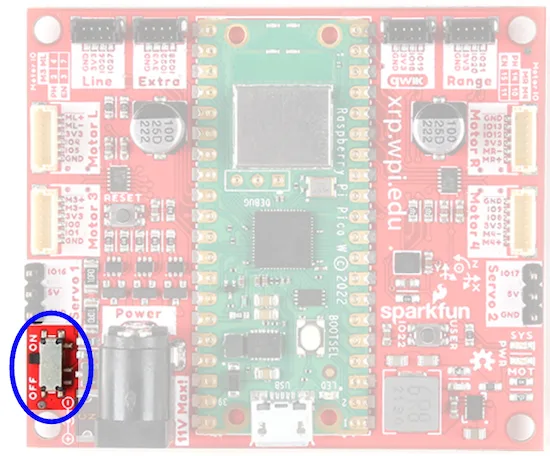
1. Power On the XRP
- Ensure the battery is charged and properly connected.
- Turn on the robot. The onboard LED will blink while booting, then turn off (ready).
2. Connect Wirelessly (Primary Method)
- Power the XRP and wait ~30–60 seconds for Wi‑Fi to start.
- On your laptop, join the Wi‑Fi network named something like
Color_Robot. - Password 17561756.